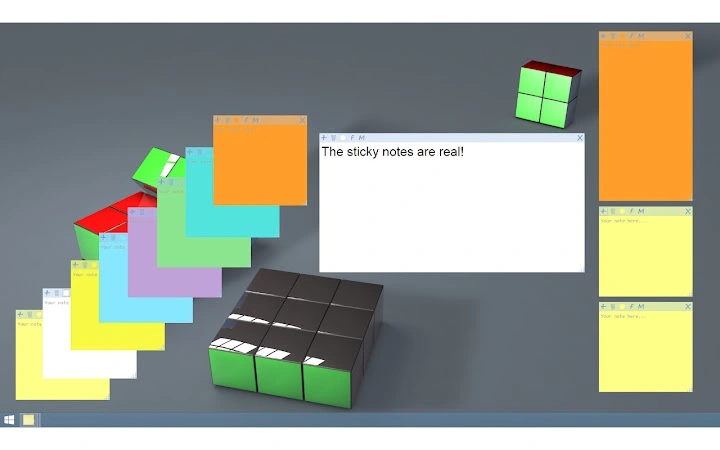

Welcome to Sticky Notes! *** 1.17.1 (March update) is now available *** Word about permissions: The Sticky Notes app uses your Google Drive space to sync notes between devices. It cannot access your private files only those created by itself.
Our features: - Sticky Notes! (..Sherlock!) - Speech recognition. - Synchronization via Google Drive.
- Optional, custom synchronization via ProWebJect.com. - Share notes online with one click. - Feel free to move and resize your notes independently.
- Dictate the notes thanks to the speech recognition. - Pin note / Always on top - Choose color of your note. - Set the best font for you.
- Close the note if you don't need it at the moment and simply click Sticky Notes icon to open it again. - Move elements from MENU to toolbar. - Format text using Ctrl+B/U/I shortcuts.
- Ctrl+Shift+U for Strikethrough formatted text. - Hold Ctrl, so that you can open links or emails from your note with one click (link must be formatted like someweb.site.com e.g. http://google.com or www.google.pl) - Hold Ctrl and scroll using mouse wheel to change font size (or use Ctrl + ).
- Task list. Doubleclick to change status. Enjoy and share you opinions or ideas about Sticky Notes.







